Docsert AI: Document Structuring for GP Clinics
Turns clinician-supplied notes into structured care plan and GP management plan drafts you review and approve.
What is Docsert AI?
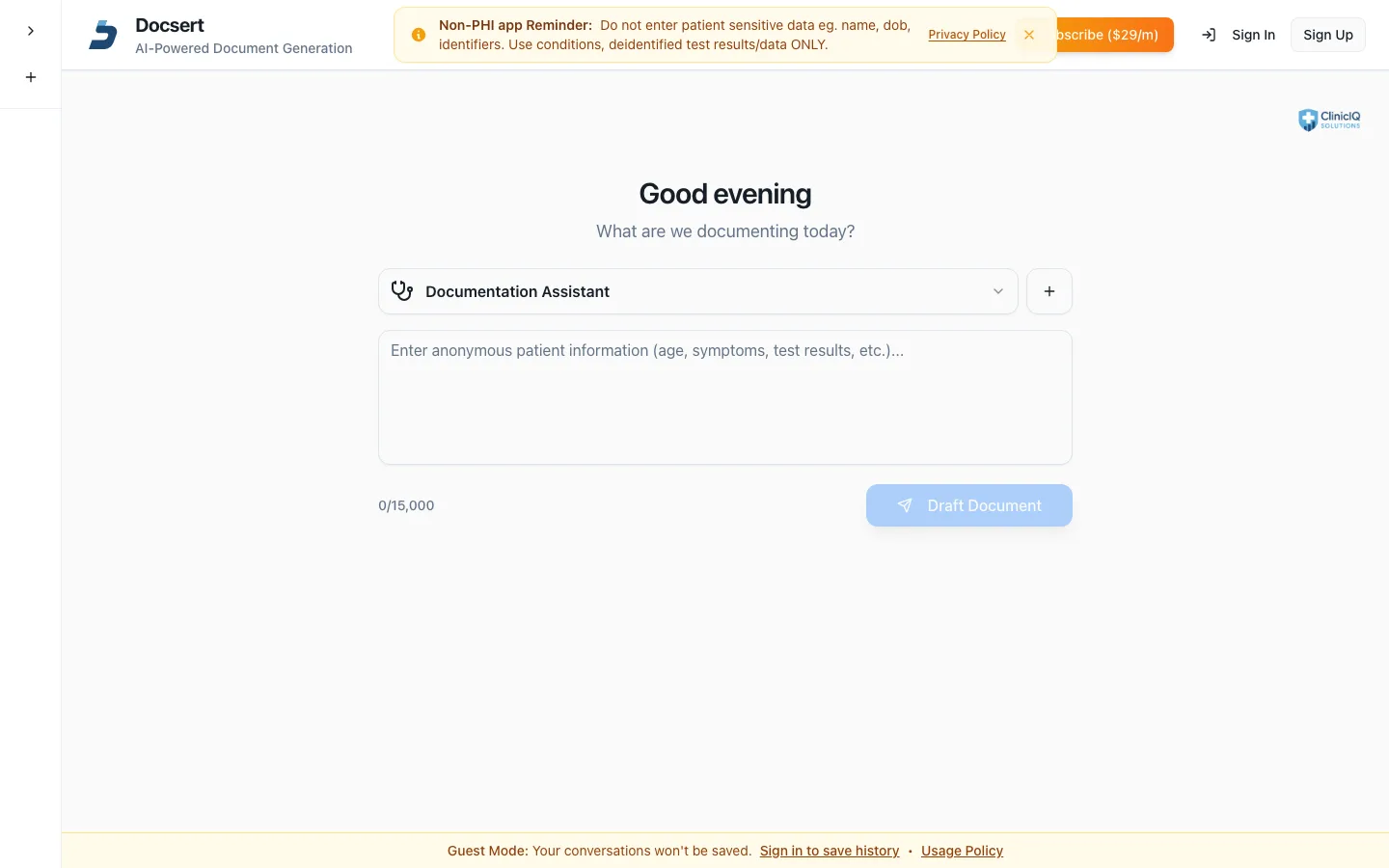
Docsert AI is a documentation and templating assistant for Australian GP clinics. It organises, formats and sorts clinician-supplied input — care plans, health assessments, summaries — into tidy draft documents in minutes, ready for you to review, edit and approve. It works with your Best Practice templates and is non-PHI by design.
What Docsert AI does
From scattered notes and extracts to a structured draft — in minutes, not evenings.
Care plans and assessments, structured
Turn scattered notes, summaries and extracts into tidy, structured documents in minutes. Nurses use Docsert AI for GP management plan and care-plan drafts, health assessments and letters.
Works with your Best Practice templates
Upload the DeID Summary Extractor to Best Practice as a template and Docsert AI sorts the clinician-supplied data it captures — no retyping, no hunting for the right template.
You approve every document
Outputs are drafts. You review, edit and finalise before anything is used, and you stay responsible for the content. Docsert AI is a document tool, not a medical device: it never replaces clinical judgement.
Non-PHI by design
Docsert AI works on clinician-supplied, de-identified input. Don't enter identifiable patient information — an in-app reminder keeps the rule visible.
Who it's for — and how it works
Built for practice nurses and GPs who produce structured documents — chronic disease management plans, health assessments, care-plan reviews and letters — and want the sorting and formatting handled in minutes, with every output reviewed and approved by a human before it is used.
-
Step 1 — Capture clinician-supplied input
Use your Best Practice templates — like the free DeID Summary Extractor — to bring the data in, de-identified and in the format your practice already runs.
-
Step 2 — Let Docsert AI structure it
Notes, summaries and extracts are organised and formatted into a tidy draft in minutes, following the same structure every time.
-
Step 3 — Review, edit, approve
Outputs are drafts for your review. You edit and finalise every document before it is used — you stay responsible for the content, always.
Docsert AI vs typing it from scratch
A blank page is free — until the third care plan of the afternoon, and the last template you used lives on someone else's desktop.
| The job | Docsert AI | The alternative |
|---|---|---|
| The first draft | Structured in minutes from clinician-supplied input | Blank page, hunting for the template you used last time |
| Consistency | Every document follows the same structure | Each draft differs by whoever typed it |
| Best Practice fit | Built around your Best Practice templates | Copy-paste between windows |
| Patient privacy | Non-PHI by design — de-identified input only | Identifiers scattered through working notes |
| Clinical safety | Drafts only — you review and approve every output | Same responsibility, more typing |
| Cost | Free tier; Pro $29/month | Free — and slow |
Docsert AI FAQ
The questions practices ask before switching.
Does Docsert AI make clinical decisions?
No. Docsert AI is a document productivity tool, not a medical device. It sorts and structures clinician-supplied input into drafts — it never replaces clinical judgement, doesn't provide clinical advice, and you review, edit and approve every output before use.
Which document formats does Docsert AI produce?
Docsert AI produces structured draft documents you review and copy across into Best Practice. It works with your practice's own Best Practice templates — including the free DeID Summary Extractor — so the drafts land in the format your practice already uses.
Does Docsert AI store patient information?
No — it is non-PHI by design. Docsert AI works on clinician-supplied, de-identified input, and an in-app reminder keeps identifiable patient information out. What it produces are drafts for your review, and you stay responsible for the content — the same non-PHI rule applies across the whole ClinicIQ suite.
How much does Docsert AI cost?
Docsert AI has a free tier, with Pro at $29 per month, month-to-month and purchased inside the app — no lock-in. Like every ClinicIQ app, you can prove the value on real documents before spending anything, because every core feature works on the free plan.
Who is Docsert AI for?
Practice nurses and GPs who produce structured documents — GP management plans, health assessments, care-plan drafts and letters — and want the sorting and formatting done in minutes, with every output reviewed and approved by a human. It suits practices that run care plans and assessments as routine work, not one-offs.
From Scattered Notes to Structured Draft
Try Docsert AI on a real document — free tier, no lock-in.
Part of the ClinicIQ suite
Docsert AI sits alongside Nursepod, PIPQI, cIQventory, Camog — free to start on every app, and the four Pro tools bundle for $99/month. The full suite overview lives on the automations page. Related reading: the CDM and MBS items guide.
Page last updated: 03/10/2026