Camog: Clinical Photo Documentation for Windows
Phone-as-camera clinical photo capture with recorded consent and review timelines, encrypted on the clinic computer.
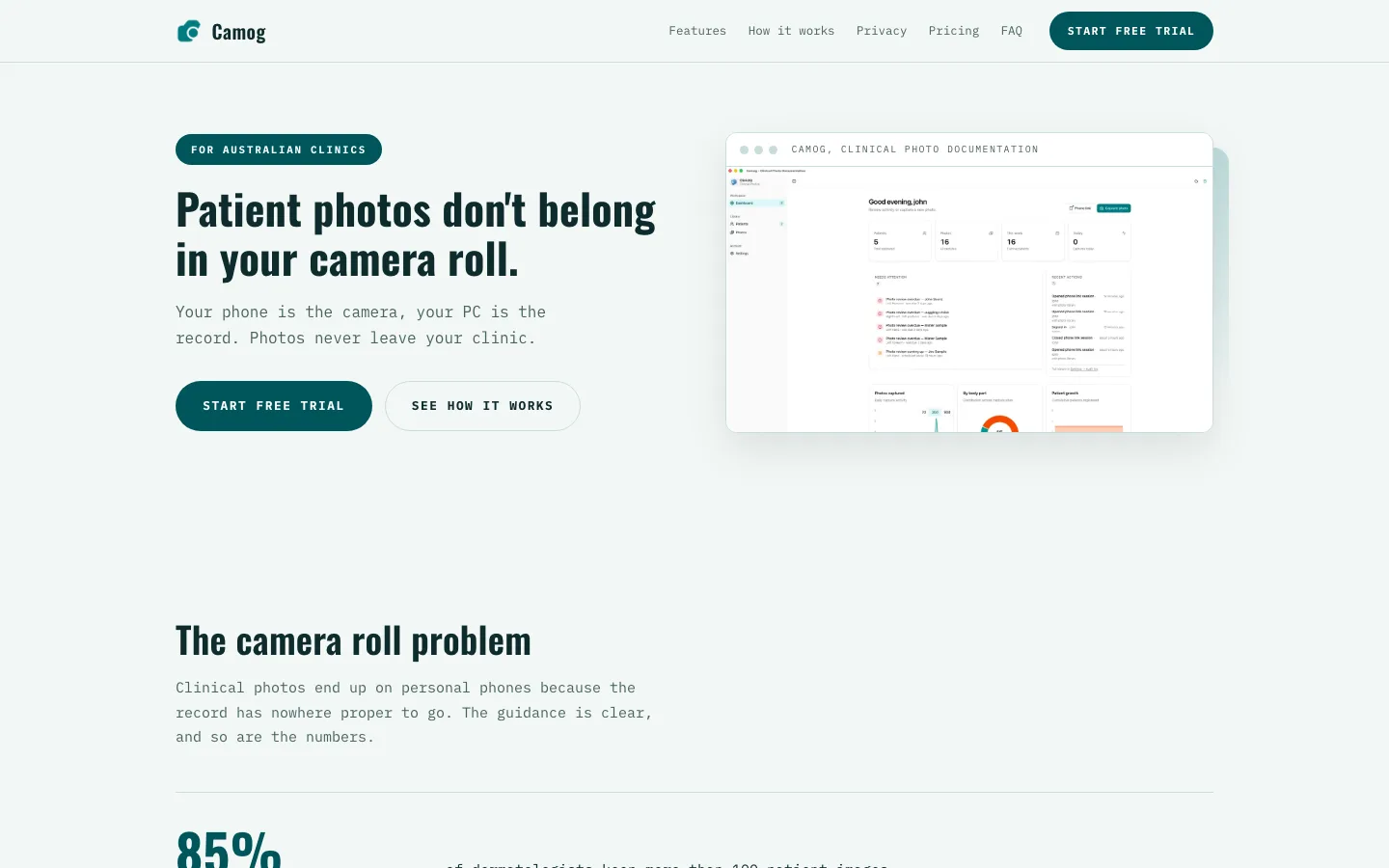
What is Camog?
Camog is clinical photo documentation software for Australian clinics. Your phone pairs with the clinic computer by QR code and becomes the camera: photos land on the body map against the right patient, consent is recorded with scope and expiry, and everything stays on the clinic computer — encrypted, offline, never uploaded.
What Camog does
A wound series that stays together, on a computer that stays yours.
Capture that fits the consult
Your phone pairs with the clinic computer by QR code and becomes the camera. Photos land against the right patient, on the right body part, in the right series — first time.
Consent on record
Every photo carries recorded consent with scope — care, education or research — and warnings fire before consent lapses. The audit log is append-only and exports to CSV.
Compare, track, report
Side-by-side and overlay compare with review timelines for wounds and lesions across visits, plus a one-click A4 case report with patient header and provenance, rendered on-device.
Encrypted and offline
Photos sit as AES-256 encrypted files on your own computer — no cloud bucket, no sync client, nothing to leak. Capture and review work with the network cable pulled.
Who it's for — and how it works
Built for general practices and clinics doing clinical photo documentation — wound and skin tracking in particular, where the value is comparing a series over time — who want consent, review tracking and comparison without photos leaving the practice's own computer. It runs on Windows 10 or 11, and on macOS.
-
Step 1 — Install
Camog installs from the Microsoft Store on Windows 10 or 11; macOS builds are a direct download from the Camog site. No server to buy and nothing for your IT person to vet.
-
Step 2 — Pair and photograph
Open Camog on the clinic computer and scan the QR code with your phone. Photograph to the body map — consent is recorded with scope and expiry against every photo.
-
Step 3 — Compare, report, file
Track lesions across visits with review timelines, produce the A4 case report in one click, and keep the whole series on the clinic computer.
Camog vs the camera roll
A phone camera is free — and so is the day you cannot find last month's wound photo in it.
| The job | Camog | The alternative |
|---|---|---|
| Where photos live | Organised on the clinic computer, offline | Scattered across a personal phone's camera roll |
| Finding a series | Structured metadata keeps a wound series together | Scrolling through mixed photos by date |
| Follow-up | Review timelines and side-by-side compare | Memory and manually renamed files |
| Privacy | No cloud, no accounts, nothing uploaded | Photos syncing to a consumer cloud |
| Cost | 14-day free trial; annual licences from A$179/year | Free — and unmanageable |
Camog FAQ
The questions practices ask before switching.
Where are photos stored?
On the clinic computer, as AES-256 encrypted files. Camog is offline by architecture: no cloud bucket, no sync client, and nothing uploaded. The only network traffic is licence activation, which carries a device identifier and no photographs — so the photo record stays inside the practice.
How is consent tracked?
Every photo carries recorded consent with a scope — care, education or research — and warnings fire before consent lapses. The audit log is append-only and exports to CSV, so you can show what was captured, under what consent, and when it was reviewed.
How much does Camog cost?
Every licence starts with a 14-day trial: full function, no card. After that, annual licences are A$179 for Solo (1 device), A$399 for Practice (3 seats) or A$799 for Clinic (10 seats). When a licence lapses, Camog stays readable in read-only mode — records are never locked away.
Does Camog need an internet connection?
Not for the work that matters. Capture, compare, review timelines and case reports all run with the network cable pulled. The one call Camog makes is licence activation, and it carries a device identifier — never a photograph. Updates arrive through the Store or the Camog site.
Who is Camog for?
General practices and clinics doing clinical photo documentation — wound care and skin monitoring in particular, where the value is comparing a series over time — who want recorded consent, review timelines and comparison without photos leaving the practice's own computer. Set-up takes minutes.
Keep the Photo Record in the Clinic
Start the 14-day free trial — full function, no card, and nothing leaves the clinic.
Part of the ClinicIQ suite
Camog sits alongside Nursepod, Docsert AI, PIPQI, cIQventory — free to start on every app, and the four Pro tools bundle for $99/month. The full suite overview lives on the automations page.
Page last updated: 03/10/2026